
Top Stories
Urgent Alert: 3 Signs Your PC Case Airflow Hurts Cooling

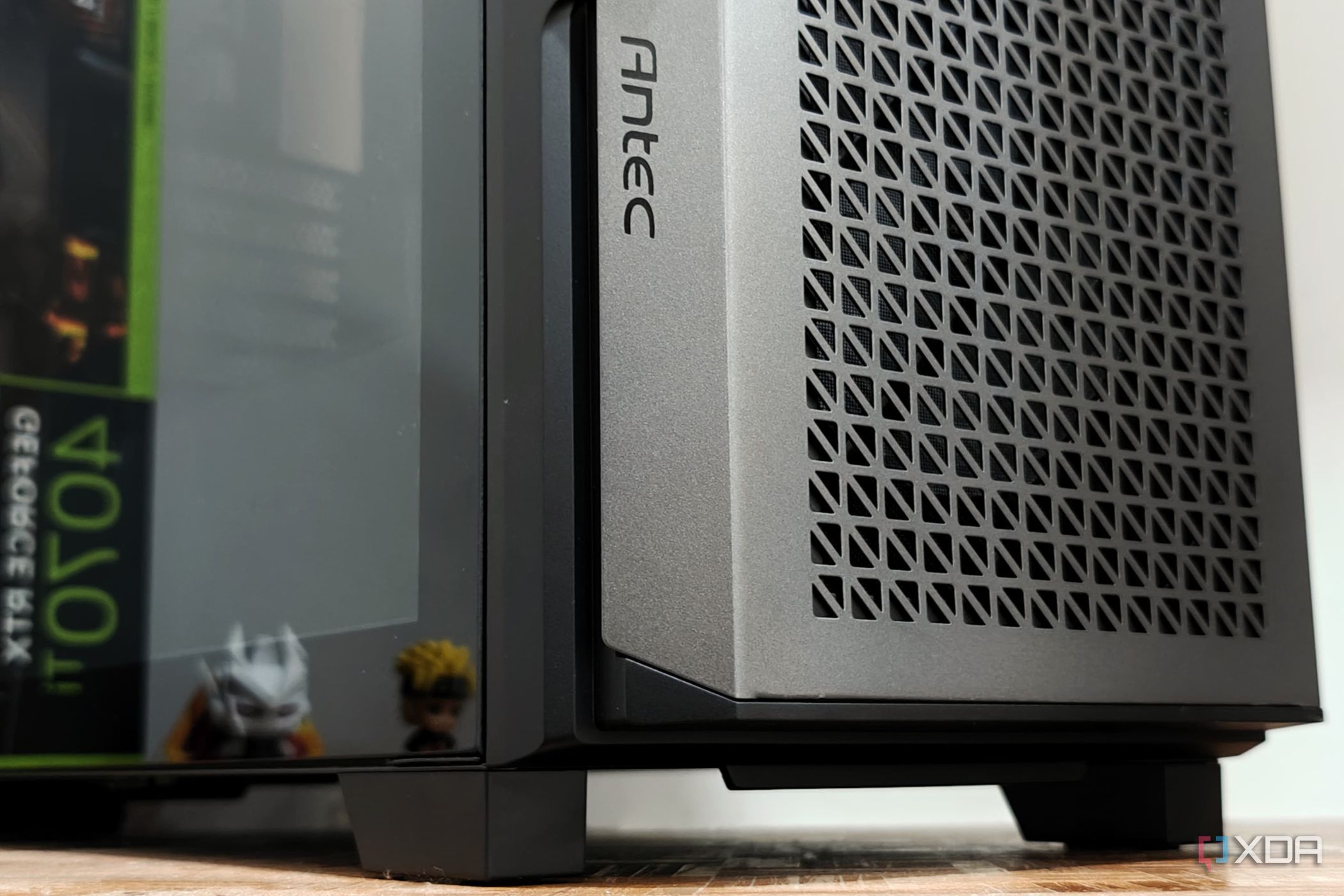
URGENT UPDATE: Many PC enthusiasts are unknowingly compromising their systems’ cooling performance due to poor case airflow design. Just announced, experts reveal critical signs indicating your PC case may be harming your cooling efforts rather than enhancing them.
In a world where high-end components like AIO coolers and advanced GPU heatsinks dominate the market, it’s shocking to learn that simply investing in premium hardware isn’t enough. If your PC case lacks proper airflow, even the best cooling solutions can lead to overheating components.
Latest data shows that factors like fan placement and case design can drastically affect internal temperatures. Here are three urgent signs that your case’s airflow is detrimental to your system.
1. Aesthetic Over Functionality
Modern PC cases often prioritize style over airflow efficiency. Many feature solid front panels or tempered glass coverings, which can significantly restrict airflow. According to cooling experts, cases with solid fronts can raise internal temperatures by a staggering 5-7°C compared to their mesh-front counterparts. This means your CPU and GPU could be running hotter than necessary, adversely affecting performance during critical tasks.
Cases designed with mesh fronts allow fresh air to flow directly over essential components, including the CPU and GPU. If you care about performance, ensure your PC case has adequate vents and open intake paths for optimized cooling.
2. More Exhaust Fans Than Intakes
A common misconception is that having more exhaust fans will cool your system more effectively. However, this can create negative air pressure, where the case expels hot air faster than it can pull in fresh air. This negative pressure leads to unpredictable airflow paths, increasing dust buildup and raising internal temperatures.
Most stock fan configurations maintain a neutral or slightly positive air pressure, which is ideal for keeping dust at bay. Installing a 360mm AIO at the top without adjusting your fan setup can easily disrupt this balance, forcing your GPU to operate in less-than-ideal conditions.
3. Incorrect Fan Types
Understanding fan types is crucial for optimal performance. Airflow fans are meant for free-moving spaces, while static pressure fans excel in tighter areas like dust filters or radiators. Mixing these up can severely impact cooling efficiency.
If your case has a solid front panel, utilizing static pressure fans is essential. Incorrect fan placement can lead to restricted airflow and elevated temperatures, negating the benefits of expensive cooling hardware.
CONCLUSION: It doesn’t matter how high-end your AIO cooler or GPU heatsink is if your case’s airflow is compromised. Poor airflow not only raises internal temperatures but also forces fans to work harder, increasing noise levels.
As you build or upgrade your PC, prioritize cases designed with airflow in mind. Don’t fall for sleek designs that sacrifice function for form. Proper fan placement, pressure balance, and ventilation are essential for a cooler and quieter system during intense gaming or workload sessions.
Stay informed and ensure your setup is optimized for peak performance. This critical knowledge could save you from costly overheating issues and improve your overall PC experience. Share this urgent information with fellow PC builders to help them avoid common pitfalls!

Sibling Support: Sister to Buy Brother’s Home Amid Crisis

Shocking Arrest: Santa, 67, Detained for Child Abuse in Brazil

Donations Target Global Health Challenges, Potential to Save Millions

Urgent: Apple TV Cyber Monday Deal Ends Soon – Save Over 50% Now!

Enhance Your Charitable Impact with These Effective Giving Tips

Congress Faces Urgent Deadline to Extend Health Insurance Subsidies

Defense Tech Funding Surges to Record High of $7.7 Billion

Aurora Siblings Shine in the 99th Macy’s Thanksgiving Day Parade

U.S. Fentanyl Trafficker Killed in Mexican Military Operation

Urgent Update: Tom Aspinall’s Vision Deteriorates After UFC 321

MIT Scientists Uncover Surprising Genomic Loops During Cell Division

University of Hawaiʻi Joins $25.6M AI Project to Enhance Disaster Monitoring

AI Disruption: AWS Faces Threat as Startups Shift Cloud Focus

Time Crystals Revolutionize Quantum Computing Potential

Honeywell Forecasts Record Business Jet Deliveries Over Next Decade

Discover the Full Map of Pokémon Legends: Z-A’s Lumiose City

Parenthood Set to Depart Hulu: What Fans Need to Know

GOP Faces Backlash as Protests Surge Against Trump Policies
-
 Top Stories1 month ago
Urgent Update: Tom Aspinall’s Vision Deteriorates After UFC 321
-
 Health2 months ago
MIT Scientists Uncover Surprising Genomic Loops During Cell Division
-
Science4 weeks ago
University of Hawaiʻi Joins $25.6M AI Project to Enhance Disaster Monitoring
-
 Top Stories1 month ago
AI Disruption: AWS Faces Threat as Startups Shift Cloud Focus
-
 Science2 months ago
Time Crystals Revolutionize Quantum Computing Potential
-
 World2 months ago
Honeywell Forecasts Record Business Jet Deliveries Over Next Decade
-
 Entertainment2 months ago
Discover the Full Map of Pokémon Legends: Z-A’s Lumiose City
-
 Entertainment2 months ago
Parenthood Set to Depart Hulu: What Fans Need to Know
-
 Top Stories2 months ago
GOP Faces Backlash as Protests Surge Against Trump Policies
-

 Politics2 months ago
Judge Signals Dismissal of Chelsea Housing Case Citing AI Flaws
-

 Sports2 months ago
Yoshinobu Yamamoto Shines in Game 2, Leading Dodgers to Victory
-

 Health2 months ago
Maine Insurers Cut Medicare Advantage Plans Amid Cost Pressures