
Top Stories
Urgent Update: Is Your CPU Performance Limited by BIOS Settings?

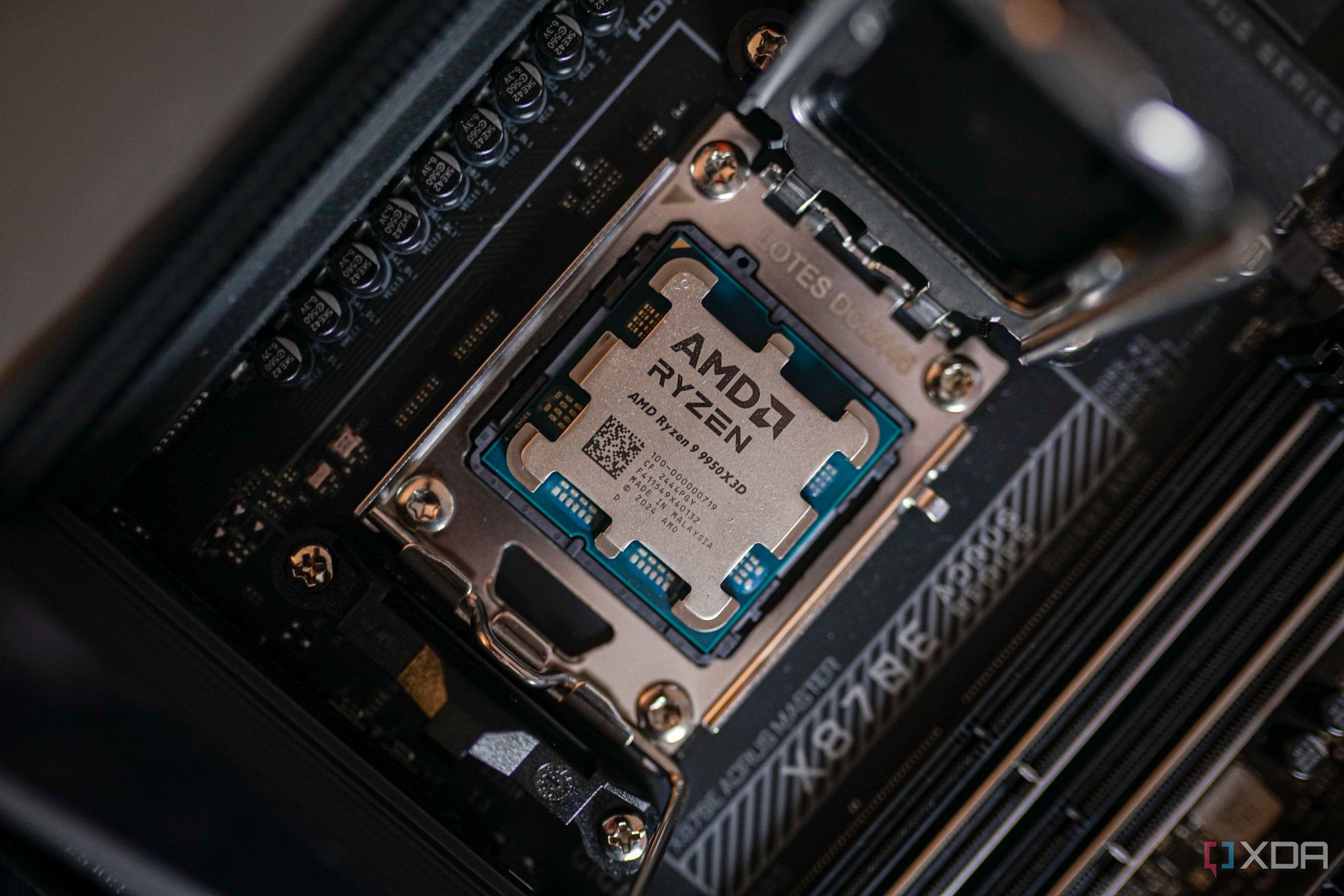
New reports confirm that many users may be unknowingly limiting their CPU performance due to conservative motherboard BIOS settings. This urgent issue affects how much power your CPU can draw, impacting its boost clock speeds and overall efficiency. With modern CPUs capable of extraordinary performance, it’s crucial to ensure that your BIOS configurations are optimized for maximum output.
Experts reveal that if your CPU isn’t reaching its advertised boost clock speed, the BIOS settings could be the culprit. For instance, if the CPU temperature stays well below 85°C but is still underperforming, it may be time to investigate the BIOS. Conservative power limits in the BIOS can prevent your CPU from reaching its peak potential, even if you have the best cooling solutions available.
Most users overlook monitoring their CPU’s performance during gaming or rendering, leading to persistent underperformance. If you’ve noticed that your CPU’s benchmark scores are consistently lower than expected, it could indicate that your motherboard’s BIOS is restricting power draw.
For example, when one user paired a Ryzen 9 5900X with an RTX 3090, they found that their performance was lagging behind benchmarks seen online. Despite using high-quality cooling, the CPU was not boosting as expected. Upon inspecting the BIOS, they discovered that stock power limits were set lower than what the chip could safely handle, leading to inadequate performance.
Moreover, if you’re observing erratic voltage readings while using monitoring tools like HWiNFO or CPU-Z, it may indicate poor voltage regulation. Automatic voltage settings in BIOS are not always compatible with every CPU, which can lead to fluctuations that affect performance.
Experts suggest that settings like load-line calibration (LLC) should be adjusted to ensure stable performance. If the LLC is too conservative, the CPU may not receive enough power under heavy loads, causing a drop in boost clocks. Conversely, aggressive settings may lead to overheating.
With many users unknowingly facing these issues, it’s vital to check your BIOS settings immediately. Just because your CPU isn’t running hot doesn’t guarantee it’s performing optimally. In fact, many may find that their CPUs are capable of much more than what they are currently achieving.
Immediate action is recommended: Review your BIOS settings to ensure they align with your CPU’s capabilities. Raising power limits and adjusting voltage settings can significantly enhance performance, allowing your hardware to reach its full potential.
As technology advances, the importance of understanding how BIOS configurations affect CPU performance cannot be overstated. If you want to ensure that your system operates at peak efficiency, now is the time to take action. Don’t let your motherboard silently hold back your CPU’s capabilities—optimize your settings today and unlock the true power of your hardware.

Philadelphia Parks Launch Free Earth Month Events Starting April 1

Bradford’s Fish Fry Fridays Serve Community with Delicious Dinners

Trump Faces Growing Challenges Amid Rising Tensions with Iran

Scientists Probe the Universe’s Missing Topological Defects

Samsung Galaxy Watch 9 to Feature Larger 435mAh Battery

UConn Huskies Aim to Defend Title in 2026 NCAA Women’s Tournament

U.S. Littoral Combat Ships Dock in Malaysia Amid Regional Tensions

Healthy Choice Wellness Reports Quarterly Earnings, Shares Rise

Urgent News: Charles M. Payment Passes Away at 78 in Duluth

University of Hawaiʻi Joins $25.6M AI Project to Enhance Disaster Monitoring

Major Grant Enhances Cancer Care and Research in Hawaiʻi

Joleen Chaney, Beloved Journalist, Passes Leaving Lasting Legacy

San Francisco’s SFO to Welcome 16 Airlines with Nonstop Flights to Europe in 2026

Goldman Sachs Unveils 2026 Catalyst Playbook for Biotech Investors

Discover Top Business Smartphones for Professionals in 2026

Urgent Update: Tom Aspinall’s Vision Deteriorates After UFC 321

Texas Roadhouse Honors Veterans with Free Meal Vouchers

CD Projekt Red Confirms No Release for The Witcher 4 in 2026
-
Science9 months ago
University of Hawaiʻi Joins $25.6M AI Project to Enhance Disaster Monitoring
-
 Health8 months ago
Major Grant Enhances Cancer Care and Research in Hawaiʻi
-
 Top Stories9 months ago
Joleen Chaney, Beloved Journalist, Passes Leaving Lasting Legacy
-
 World7 months ago
San Francisco’s SFO to Welcome 16 Airlines with Nonstop Flights to Europe in 2026
-
 Business8 months ago
Goldman Sachs Unveils 2026 Catalyst Playbook for Biotech Investors
-
 Business8 months ago
Discover Top Business Smartphones for Professionals in 2026
-
 Top Stories9 months ago
Urgent Update: Tom Aspinall’s Vision Deteriorates After UFC 321
-
 Lifestyle9 months ago
Texas Roadhouse Honors Veterans with Free Meal Vouchers
-
 Entertainment8 months ago
CD Projekt Red Confirms No Release for The Witcher 4 in 2026
-

 Top Stories10 months ago
AI Disruption: AWS Faces Threat as Startups Shift Cloud Focus
-

 Health10 months ago
MIT Scientists Uncover Surprising Genomic Loops During Cell Division
-

 Entertainment10 months ago
Discover the Full Map of Pokémon Legends: Z-A’s Lumiose City